
Facebook Page
Metadata research and a governed WMM publisher for approved Page posts.
For app teams who already use an AI agent
Give your AI agent one marketing goal. Approve the work and see what the evidence says.
Fictional sample. No sign-in or spend. You approve external work; growth is not guaranteed.
Set your goalChoose one app and one question worth answering.
Research, prepare, then choose where it goes
Choose one, several or all five destinations. Users and agents choose the subset; each destination keeps its own draft, exact approval and delivery status.
Through a permitted connected agent, research metadata for Facebook Page, Instagram Reels, TikTok, YouTube Shorts and LinkedIn. Viral qualification requires 100,000 views AND 10× a documented creator baseline. Save source evidence, build a brief, prepare a Hypit preview and export approved artifacts.
Metadata research and a governed WMM publisher for approved Page posts.
Research and reviewed Reel publishing through a supported linked professional account.
Research and reviewed video publishing; app eligibility and creator privacy settings apply.
Research, Shorts packaging and reviewed uploads; channel access and provider review rules apply.
Video creative and reviewed publishing with supported member or organization access; permissions determine available source data.
Channel access, publishing eligibility and analytics coverage are separate checks. This preview establishes no live delivery or measured result for any channel.
In WMM: Set your goal → Explore video channels → Find viral ideas for my app. Try the sample workspace →
Built with Code Factory. An integral part of WMM’s security-focused engineering: structured changes, adversarial checks, regression gates and source-bound evidence. WMM is also a real-product experiment for Code Factory. These checks support secure development; they are not independent security certification.
Bring existing signals into one app-scoped evidence trail. Use your own accounts; capabilities and data availability depend on each connection.
Evidence imports are labelled separately from live reads. Connections do not include provider subscriptions, blanket analytics coverage, SDK installation, notification sends or publishing permission. Review channel requirements.
Less coordination. More useful work.
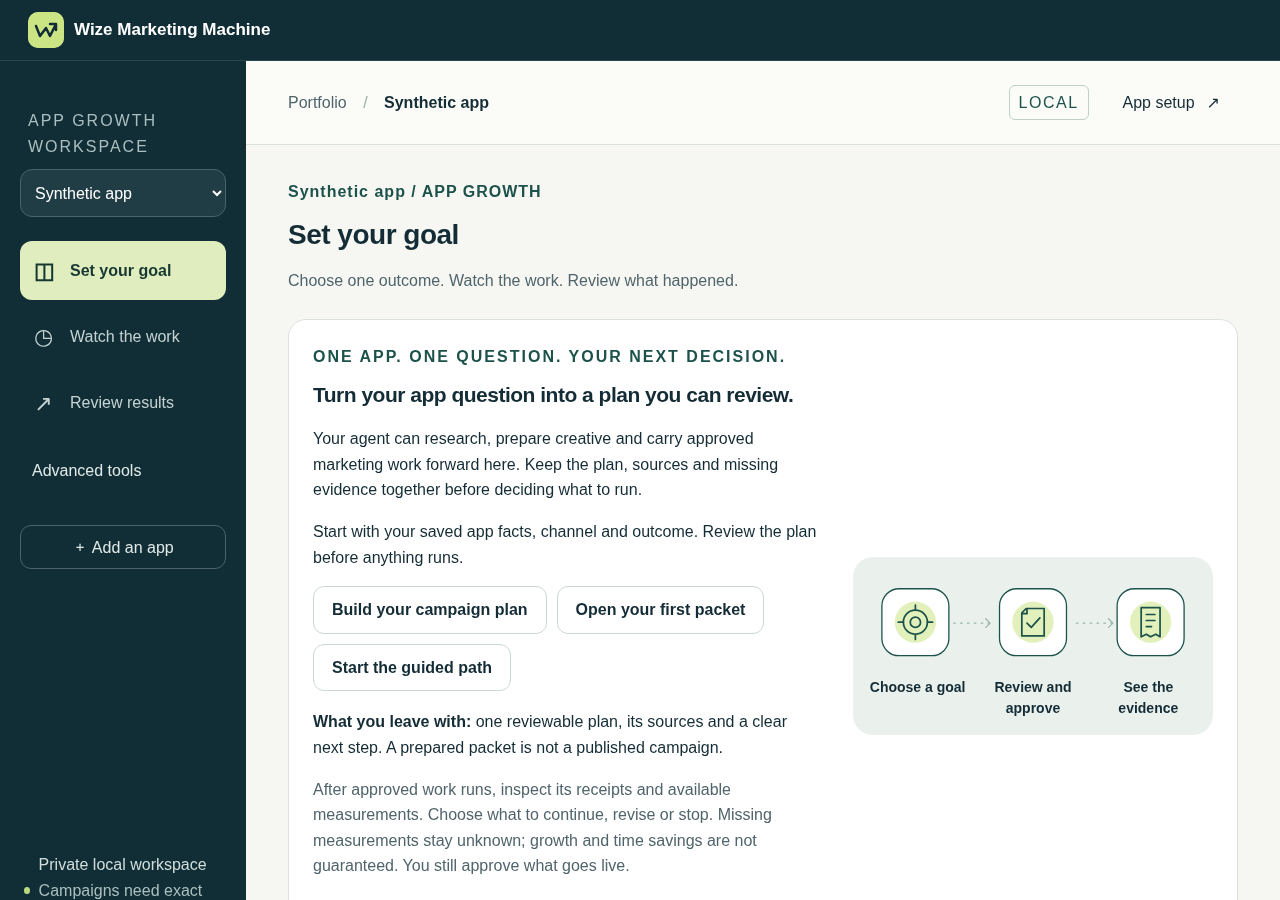
Set a goal, repair missing connections, review the agreement and follow approved work to its report.
Describe the app, audience and change you want to test. Bring research, app proof, clips and supported account connections.
The outcome-specific wizard shows supported accounts, missing setup and repair actions. Advanced operations remain available.
Review one Automation agreement, then let the agent carry out supported work within its separate approvals. Exceptions and uncertain delivery stay visible.
Open the files, inspect receipts and compare available measurements. Export a report and choose what to continue, revise or stop.
Owner approval, in clear terms
Review the agent, app, accounts, exact content and destinations, schedule, expiry, quotas, budget and stop rules together. The agreement summarizes existing permissions; it never creates broader authority.
A grant has its own expiry and revocation. Provider posts, account changes and charges already made keep separate status and recovery paths.
One workspace for the moving parts
App context, source snapshots, evidence cards, saved research and title/thumbnail ideas. Viral-only discovery requires 100,000 views and 10× a documented creator baseline. UGC has a separate intake path.
Copy packs, local or selected Drive media, UGC, trimming, ordering and stitching. Hypit guided production, preflight and verified-render reuse; richer projects use the editor and Studio.
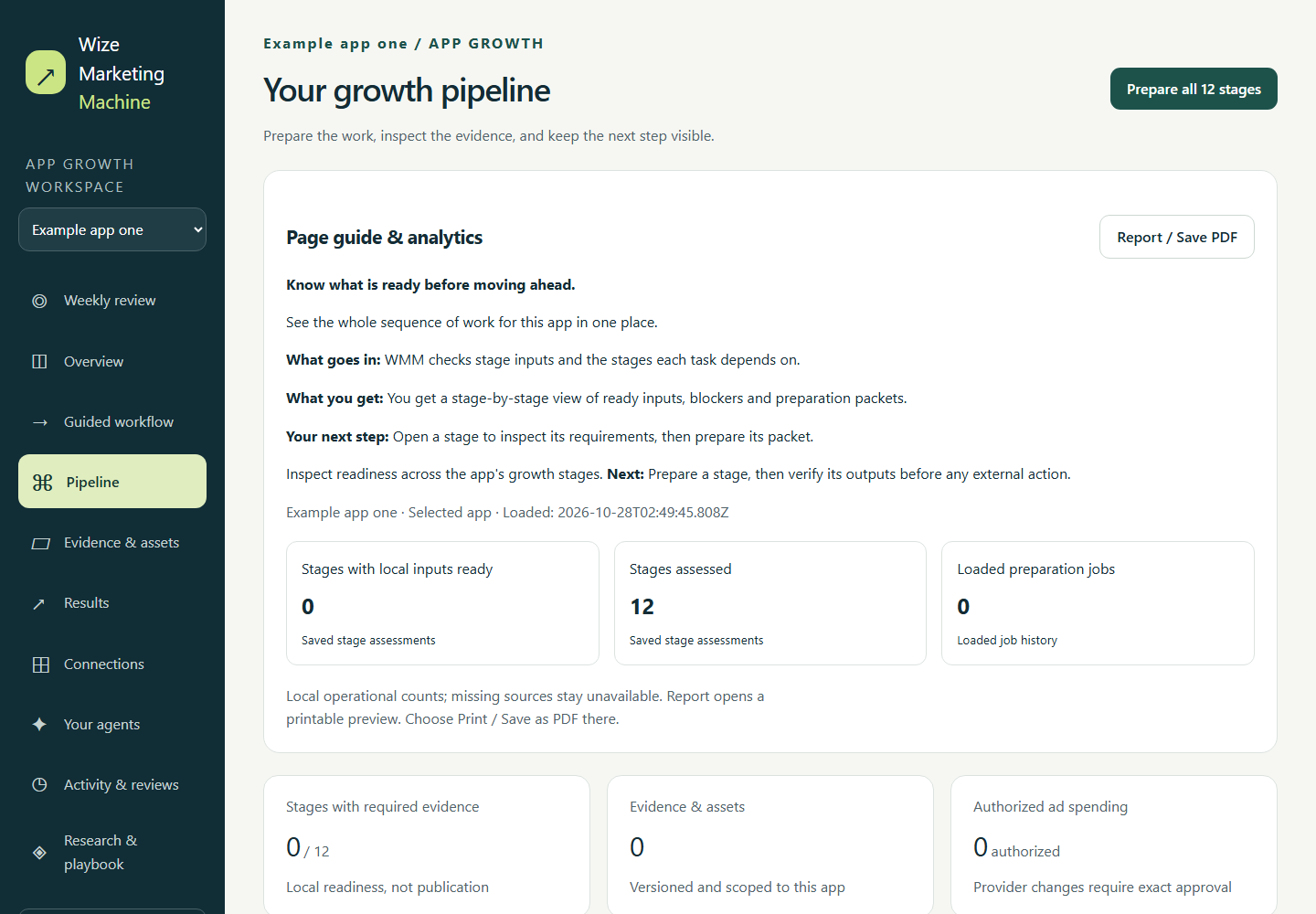
Approved Facebook batches, recovery, reconciliation, monitoring and owner reports. Reviewed organic paths also cover Instagram, TikTok, YouTube Shorts and LinkedIn. New creative variants need separate publication approval.
Supported connectors and imports feed retained observations and reports: source dates, denominators, CAC/ROAS where supported, failed experiments and measurement gaps. Report processing now uses bounded history and indexed lookups.
ASO, ASA and AEO worksheets, store checks, funnels, paywall and subscription experiments, cohorts and tracking plans. App Store promotional text follows a separate maker/checker approval path.
Personal-agent CLI/MCP, scoped grants, durable jobs, visible progress and owner reports. Profiles cover Grok Bot, Instinct, Hark Pro, Meta Muse, Codex/Dots, Claude Duet and generic agent teams.
Current product: local workspaces with supported automation and partial analytics coverage. Account eligibility and provider reviews still apply. Current source and public installers have separate validation; complete KPI coverage and measured gains are not claimed. Inspect the capability map.
WMM Studio
What it does: Start with an app-specific brief backed by research. Import your app footage or media you have permission to use, then trim, stitch and caption it. Preview the Hypit render and review the final export.
What you get: A short you can review and a record of the evidence behind it. Choose where to publish, approve each destination and use available campaign data to decide what to keep or revise.
Watch the Studio workflow Synthetic demo. Results depend on the campaign and available measurement.
Try it before setting anything up
Step into a fictional app workspace. Choose a goal, review a sample consent summary, follow four local walkthrough stages and open the report. The sample connects no account and does not activate real task grants. See the video process: research, rights, Hypit editing, review, approved delivery and monitoring.
Local-only demonstration with synthetic data, not a connected campaign or growth result.
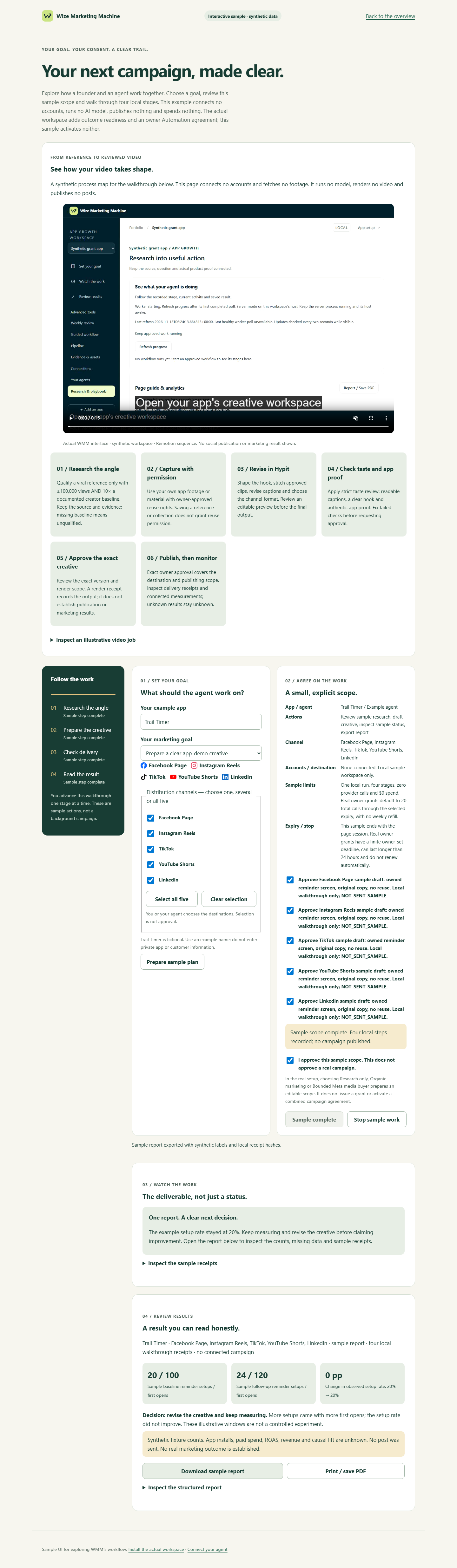 Open the interactive sample workspace →
Choose a starting profile; the workspace also offers outcome readiness and a combined owner agreement.
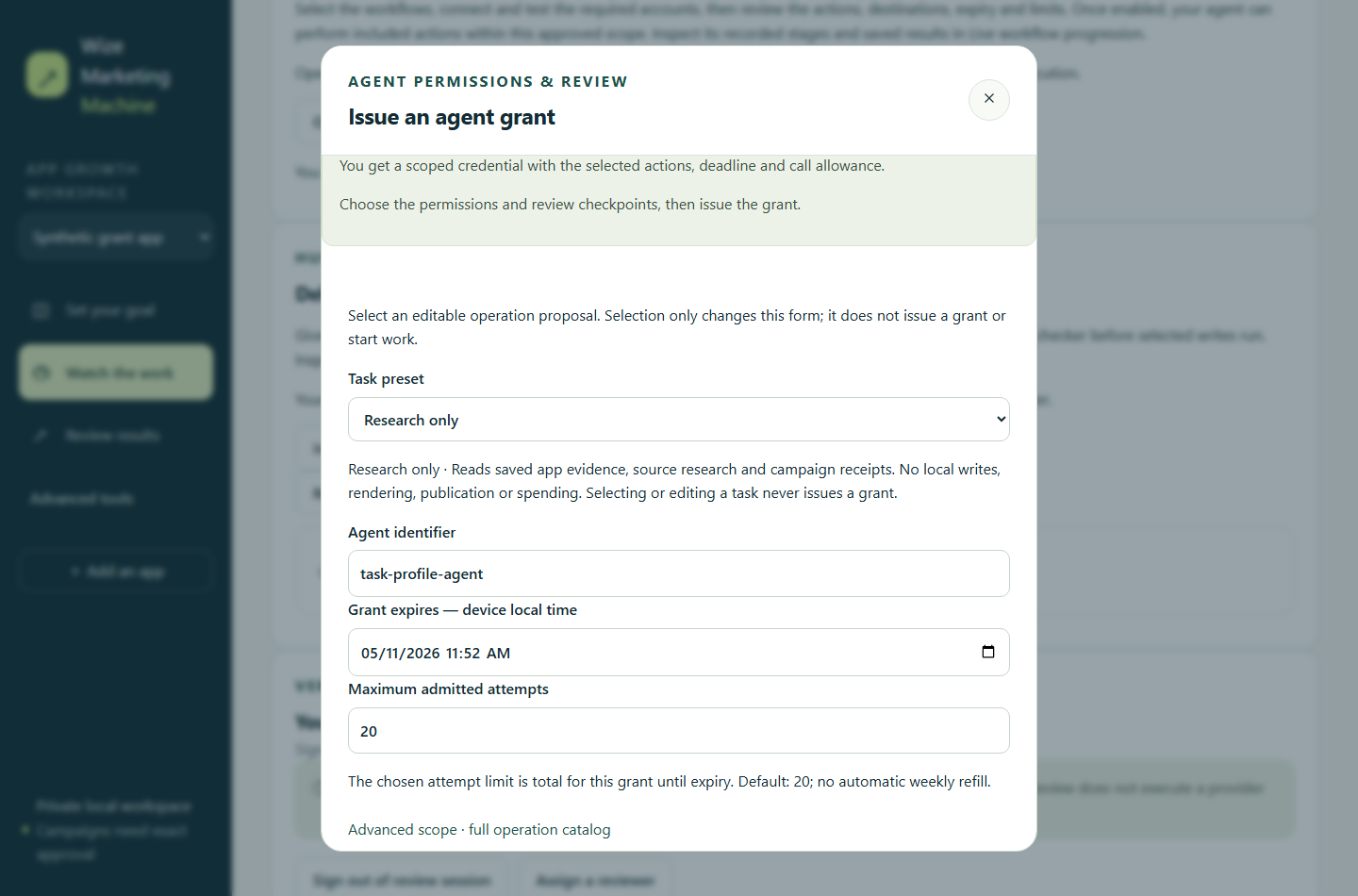
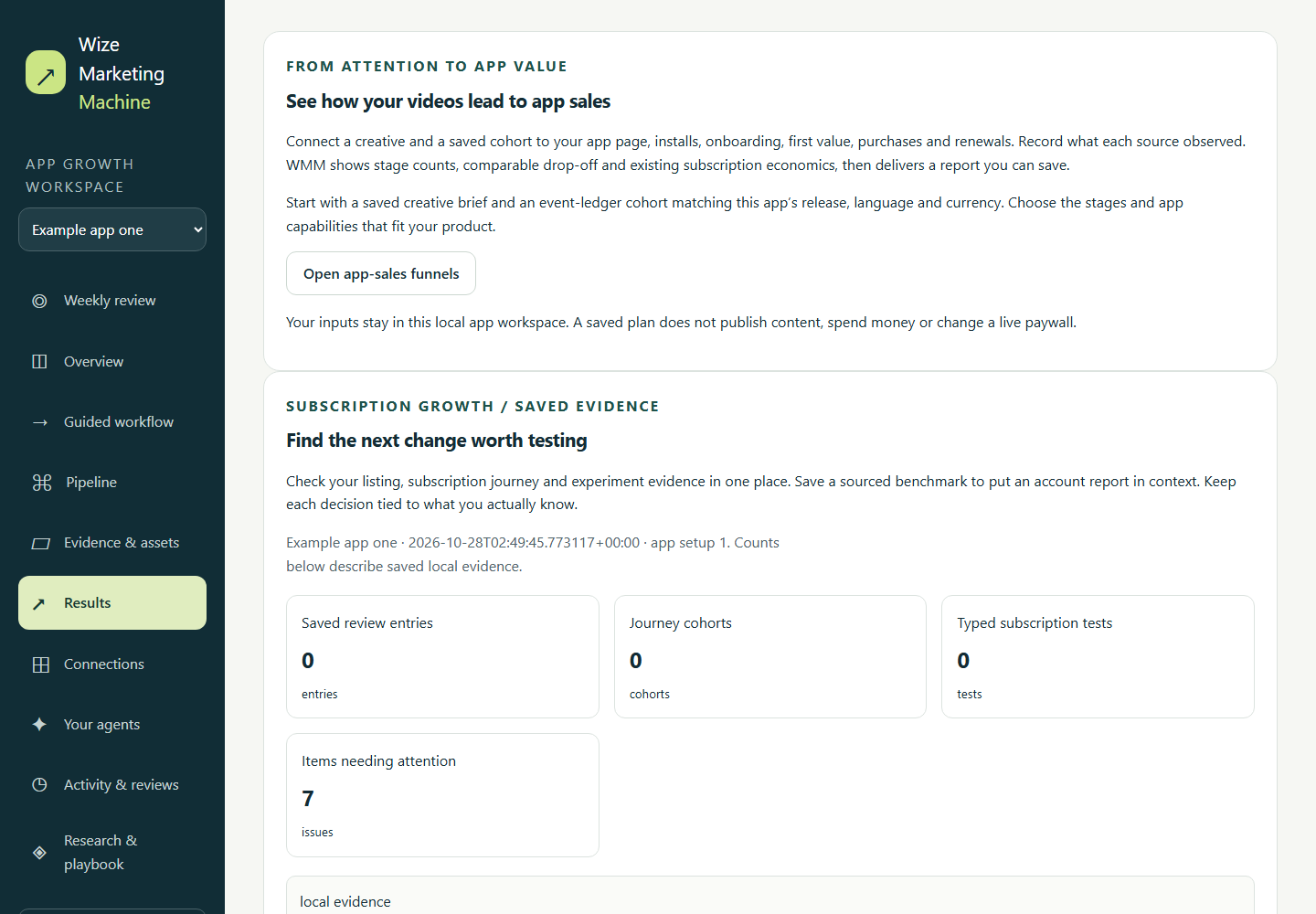
Real application screens with synthetic example data.
About WMM
Built for founders and marketing teams promoting one app or a portfolio. Start with one question and prepare a plan with its sources and missing evidence. After approved work runs, use dated research, delivery receipts and available results to decide what to continue, revise or stop.
The potential benefit is less repeated work and fewer unsupported bets. Receipts prove operations; connected measurements show what changed. Growth and time savings are not guaranteed, and the dogfooding trial has not yet established either.
Windows and Ubuntu preview installers include the runtime; Windows is unsigned. Desktop protected credentials use Windows Credential Manager or configured Linux Secret Service; the macOS adapter is unsupported. Native iPhone/iPad acceptance is separate. Keep the desktop server private on loopback; optionally configure an owner-managed Linux host for approved scheduled work. An offline host cannot execute jobs.
Personal and internal business use is free under the repository license. Optional providers have their own costs. Resale, hosting and paid client services require a commercial agreement. Accounts stay private; default ad spending is zero.